JPG Compressor
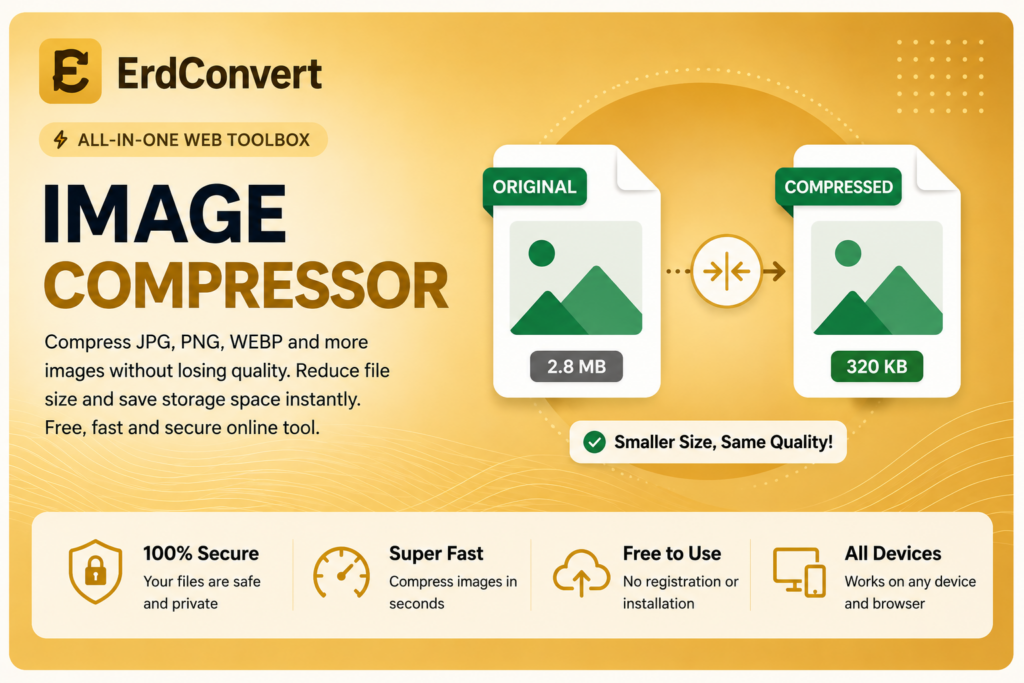
Compress JPG and JPEG images quickly and securely in your browser. Your image is not uploaded to our server.
Free Online JPG Compressor
The JPG Compressor from ErdConvert provides a simple and convenient way to reduce the file size of JPG and JPEG images directly in your web browser. Large image files can take up unnecessary storage space and may take longer to upload, download, or share. Compressing your images can make them easier to use on websites, social media, email, online forms, and many other digital platforms.
ErdConvert makes the process straightforward. Select your JPG or JPEG image, start the compression process, and save the optimized image to your device. No complicated software or advanced image editing knowledge is required.
How to Compress JPG Images Online
Using the ErdConvert JPG Compressor is easy. First, select a JPG or JPEG image from your computer, tablet, or compatible mobile device. After choosing your file, use the compression tool above to process the image.
The goal of image compression is to reduce file size while keeping the image suitable for its intended use. Once the process is complete, you can save the compressed image and use it wherever a smaller JPG file is needed.
Because the tool works through your browser, you do not need to install a separate desktop application just to compress an image.
Why Compress JPG and JPEG Images?
Modern cameras and smartphones can create high-resolution photographs with relatively large file sizes. While high-resolution images can be useful, the original file may be larger than necessary for everyday online use.
A JPG Compressor can help reduce the amount of storage required by an image. Smaller images can also be more convenient when attaching photographs to emails, submitting online forms, uploading product images, or sharing files with other people.
Website owners can also benefit from appropriately optimized images. Large images may require more data to download, so reducing unnecessary image file size can help create more efficient web pages.
JPG and JPEG Compression
JPG, also known as JPEG, is one of the most widely used image formats. It is especially common for photographs and other images containing many colors and details. The format supports lossy compression, which is designed to reduce file size by storing image information efficiently.
The .jpg and .jpeg extensions generally refer to the same image format. Both are widely supported by browsers, computers, smartphones, cameras, and image editing applications.
The ErdConvert JPG Compressor is designed to provide a convenient way to optimize these common image files without requiring complicated settings.
Benefits of Compressing Images
Reducing image file size can provide several practical benefits. Compressed images require less storage space and can be easier to transfer between devices. They may also upload faster when you need to submit images through websites or online services.
Image compression can be useful for website photographs, blog images, product pictures, email attachments, presentations, documents, profile images, and social media content.
The appropriate level of compression depends on how you plan to use the image. For many everyday purposes, a smaller file can provide a practical balance between visual appearance and file size.
Browser-Based JPG Compressor
ErdConvert’s JPG Compressor operates through your web browser, making it accessible without installing dedicated image compression software.
A browser-based tool can be particularly convenient when you only need to optimize a few images and do not want to download a large photo editing application. Open the tool, choose your image, perform the compression, and save the result.
The simple interface also makes the tool suitable for users who do not have experience with advanced graphics software.
Compress Images for Websites
Image optimization is an important consideration when preparing content for websites. Photographs taken directly from cameras or smartphones may contain more data than is necessary for displaying them on a web page.
Using a JPG Compressor can help you prepare smaller image files before adding them to a website, blog, portfolio, or online store. However, it is always a good idea to check the compressed result and make sure the image quality is appropriate for your intended use.
Is the JPG Compressor Free?
Yes. The ErdConvert JPG Compressor is available as a free online tool. You can use the basic compression feature without creating an account or completing a registration process.
Our aim is to provide practical online tools for common file and image tasks with a straightforward user experience.
Compress JPG Images with ErdConvert
If you have a large JPG or JPEG image and want to reduce its file size, use the JPG Compressor above. Select your image, start the compression process, and save the optimized result to your device.
ErdConvert also offers additional image tools for resizing images and converting between popular image formats. Together, these tools provide convenient options for preparing and managing images directly through your browser.
You can learn more about image performance and optimization from Google web.dev.