Image Resizer
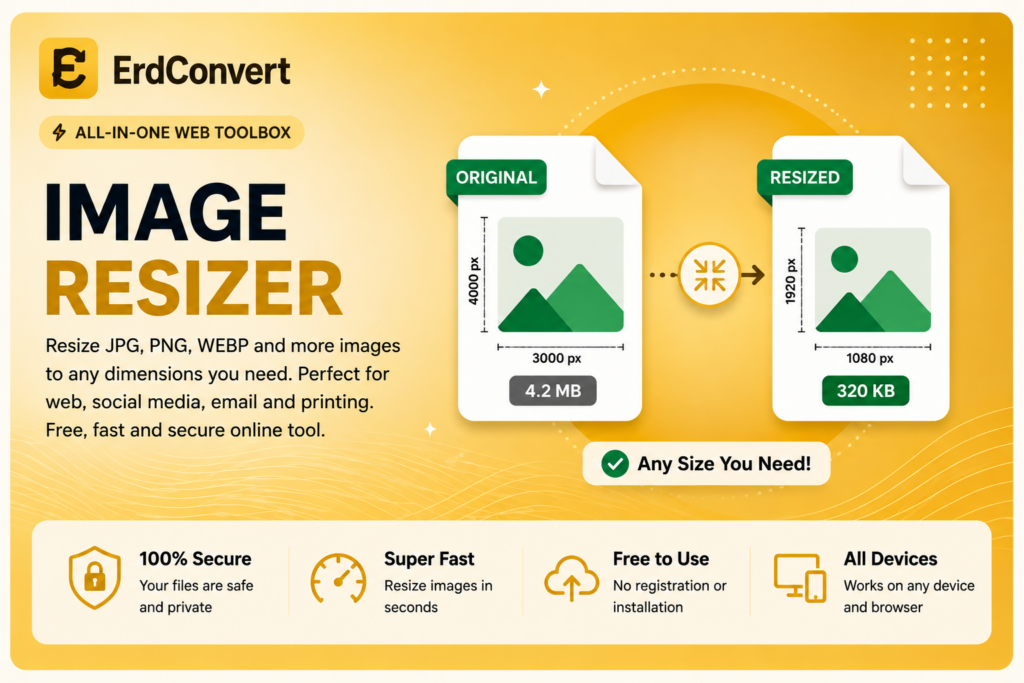
Resize JPG, PNG and WebP images quickly and securely in your browser. Your image is not uploaded to our server.
Free Online Image Resizer
Our free Image Resizer makes it easy to resize JPG, PNG, and WebP images directly in your browser. Whether you need to reduce image dimensions for a website, social media post, email, presentation, or online form, ErdConvert provides a quick and simple way to change image size without installing additional software.
The tool is designed to be easy to use on desktop computers, tablets, and mobile devices. Simply choose your image, enter the dimensions you need, and resize it in just a few steps.
How to Resize an Image Online
Using the ErdConvert Image Resizer is simple. Select a JPG, PNG, or WebP image from your device and choose the desired width and height. The tool processes the image and creates a resized version that you can save to your device.
You do not need to create an account or install an application. This makes the tool useful when you need to resize an image quickly from almost any modern web browser.
Why Use an Image Resizer?
Large images can take up unnecessary storage space and may be inconvenient to use on websites, blogs, online stores, social networks, and other digital platforms. Changing image dimensions can help prepare your pictures for different uses.
An online Image Resizer can be useful for profile pictures, website images, product photos, blog graphics, presentations, email attachments, and social media content. Instead of opening complicated photo editing software, you can resize your images using a straightforward browser-based tool.
Resize JPG, PNG and WebP Images
ErdConvert supports popular image formats including JPG, PNG, and WebP.
JPG is widely used for photographs and general web images. PNG is commonly used for graphics and images that may require transparency. WebP is a modern image format designed for efficient use on websites and web applications.
With our Image Resizer, you can change the dimensions of these popular image formats from one convenient page.
Fast and Easy Image Resizing
The tool has been designed to keep the resizing process simple. You do not need advanced image editing knowledge. Choose your image, specify the required dimensions, start the resizing process, and save the resulting image.
This can be particularly helpful when a website or online service requires an image with specific width and height dimensions.
Browser-Based Image Resizer
ErdConvert’s Image Resizer works directly through your web browser. There is no need to download large desktop programs simply to change the dimensions of an image.
A browser-based approach also makes the tool convenient across different devices. You can access ErdConvert whenever you have a compatible browser and need to resize an image.
Is the Image Resizer Free?
Yes. The ErdConvert Image Resizer is available as a free online tool. No registration is required to use the basic resizing feature.
Our goal is to provide practical online conversion and utility tools that are straightforward and accessible. You can resize images without creating an account or going through a complicated setup process.
Resize Your Image with ErdConvert
If you need a simple way to change image dimensions, use the Image Resizer above. Select your JPG, PNG, or WebP image, choose the dimensions you need, and resize your image quickly.
ErdConvert also provides other online image and file tools, making it easy to perform common conversion and editing tasks from one website.
online image and file tools → ErdConvert
You can learn more about modern image formats and web image optimization from Google Developers.